Windrose has no console commands, admin commands or cheat commands right now: none of the studio's patch notes has ever added one, the stock dedicated server has no RCON and no admin system, and that hasn't changed since Early Access opened on 14 April 2026. That surprises people, because most survival games hand server owners a console on day one. What you get instead is a short list of server settings, and a couple of community mods that bolt an admin console on top.
The bit that trips people up is where those settings live. Name, password, invite code and world difficulty are all controlled from config files (or from fields in your host's panel), and they only take effect when the server starts. Nothing changes live.
How to change Windrose server settings without commands
These are the steps for any Windrose dedicated server, and they cover most of what people go looking for commands to do.
- Back up your world first. Copy the whole
R5/Saved/SaveProfilesfolder somewhere safe. The studio recommends backing up that entire folder, not just one world. - Decide what you're changing before you take the server down, so it's offline for as little time as possible.
- Stop the server. The game reads its settings when it starts, so edits made while it's running either get ignored or get overwritten.
- Edit
R5/ServerDescription.jsonfor the server name, player limit, join password, invite code and connection type (invite code or Direct IP). - Edit the world's
WorldDescription.jsonfor difficulty.WorldPresetTypetakesEasy,Medium,HardorCustom, and the studio'sDedicatedServer.mdin the server's root folder documents the rest. - Start the server and watch the log until it finishes loading.
- Join and check that the new name, password or difficulty actually took.
Tip: On LOW.MS you don't edit those files at all. Everything in steps 4 and 5 is a field on the Manage tab of your server in the control panel: Server Name, Player Slots and Join Password under General, Connection Method, Invite Code and Connection Region under Connection, and World Preset under World. Changes apply from the next start, so use Save & Restart. For step 1, use Create backup on the Backups tab instead of copying folders. The Console tab shows the live server output but it's read-only, so there's nowhere to type a command even if the game had any.
Does Windrose have console commands?
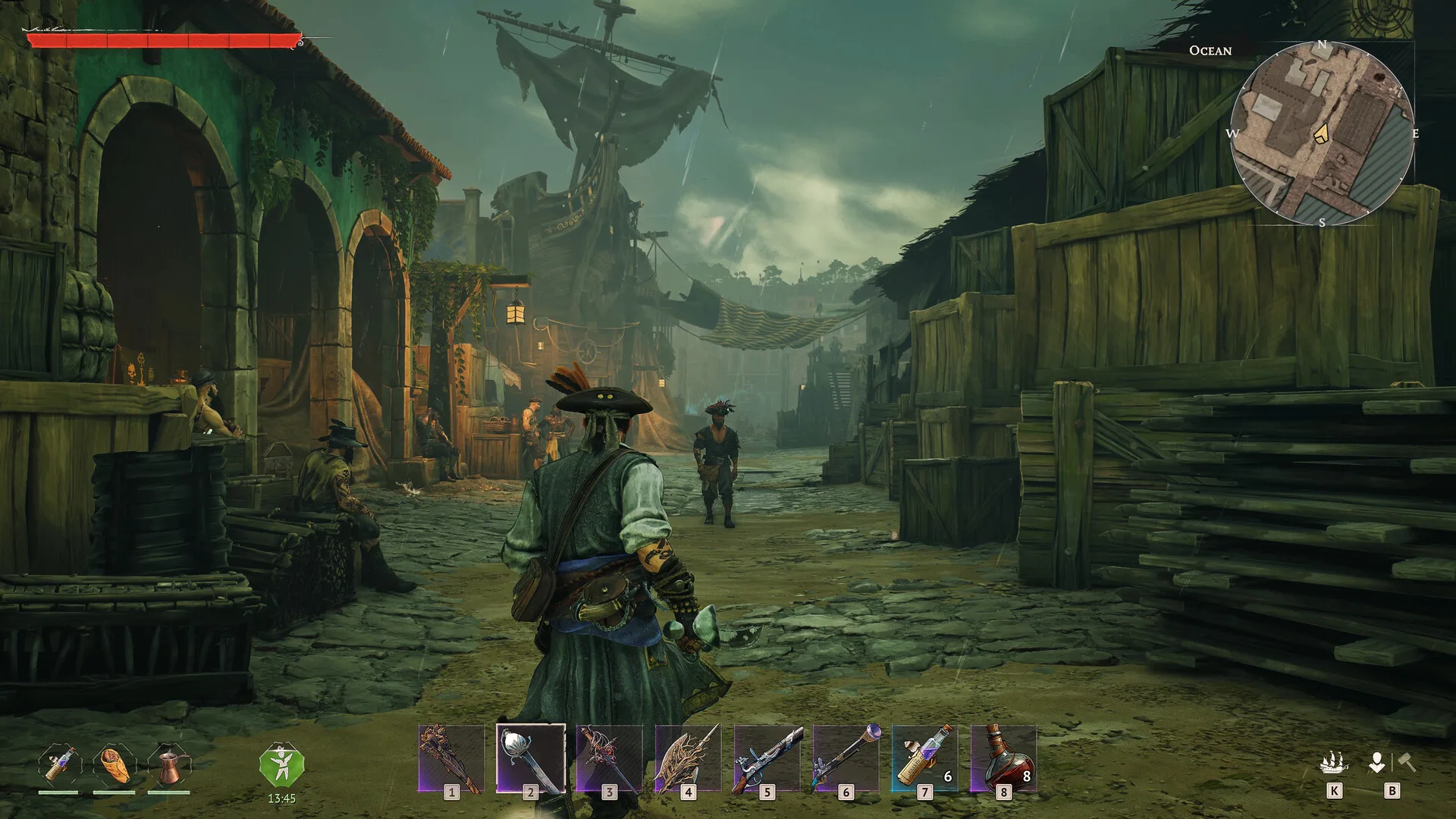
No. Windrose uses Unreal Engine, and a lot of Unreal games leave a developer console in that players can open with the tilde key. In Windrose's retail build players report that key does nothing, and I've read every one of the studio's Steam announcements from December 2025 to mid-October 2026 without finding a single console command, cheat code or debug mode mentioned.
The closest thing in the patch notes is the Unstuck option, which the 0.10.0.6 notes call the "Unstuck" command. It's a player tool for freeing a stuck character, not something an admin runs on other people.
You'll also see Simple Mod Loader And Console Enabler (SML) on Nexus Mods turn up in searches for the Windrose dev console. Its download is labelled as the solo client version, and it hasn't been updated since before Early Access launched, so it won't give you commands on a dedicated server.
Windrose admin commands and RCON
There's no admin system in the stock game. No admin list, no admin password, no way to promote a crewmate, and no RCON port for an external tool to talk to. The server's own config file only covers things like the name, password, invite code and player count. Everyone who joins is equal.
You may find a page on the studio's support site that mentions an AdminPassword and commands like kick and give. Don't trust it. The same set of pages gives the wrong Steam app ID for the dedicated server, a config folder the server doesn't use and world presets the game doesn't have, and none of those fields exist in the real server files.
So what do you do about a problem player? Honestly, the only lever the base game gives you is the door. Change the join password and the invite code, restart, and hand the new details to everyone except them. It's blunt. It works.
Windrose cheat commands and spawning items
You can't spawn items, give yourself gold or toggle god mode on a stock Windrose server. There's no command for it, and the settings don't include loot or XP multipliers either.
What you can do is make the game easier or harder in a structured way. Set the world preset to Custom and you get a set of tunables the game itself exposes: combat difficulty, enemy health and damage, enemy ship health and damage, boarding difficulty, and how much enemies and enemy ships scale with more players in co-op. If your crew keeps getting flattened at sea, turning down enemy ship damage does more for you than any cheat would. I'd change one or two at a time, though, rather than dragging everything to the floor and wondering why the game feels empty.
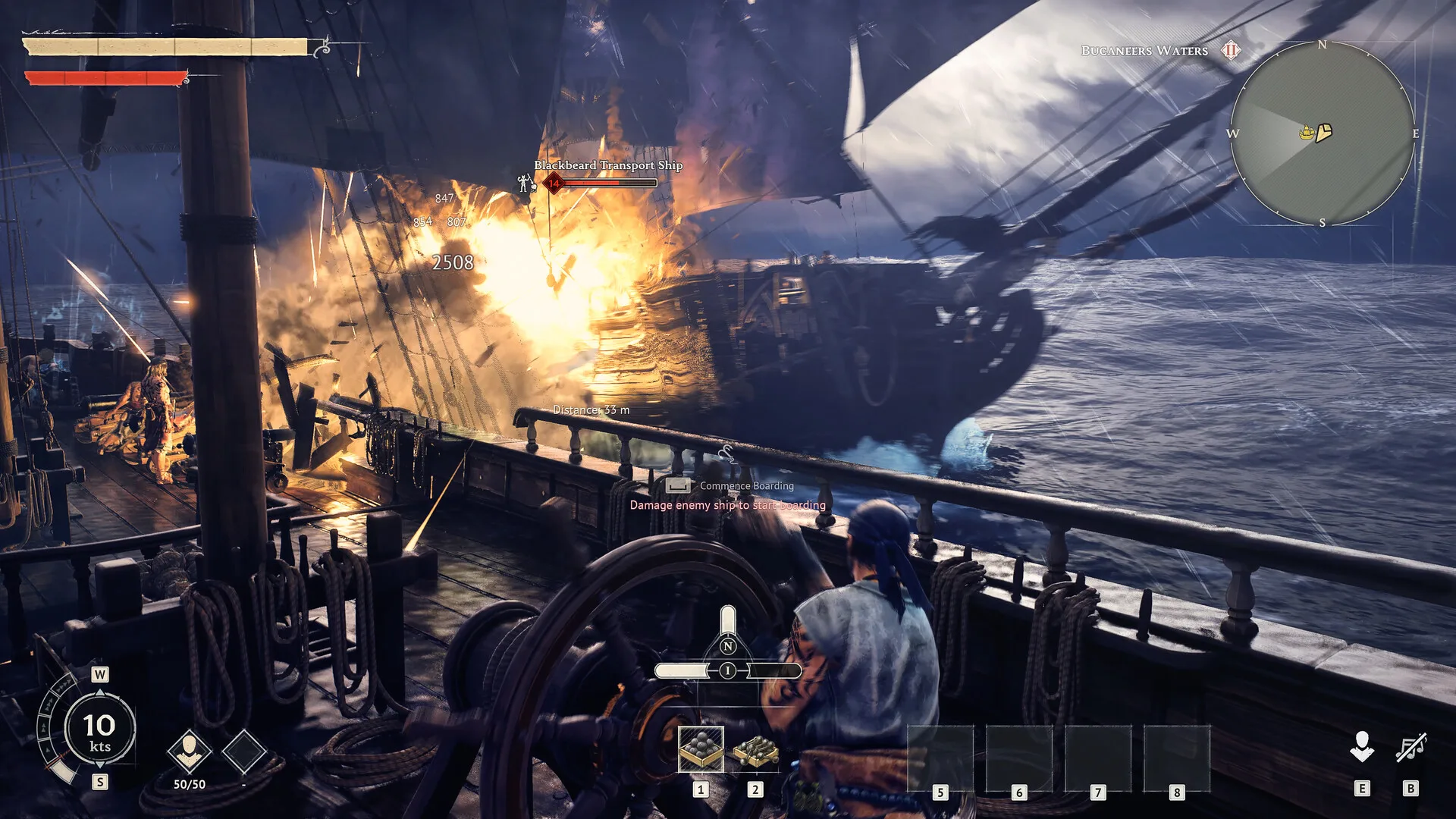
The studio has said the best difficulty experience is with one to four players, which is worth knowing before you go wild with the co-op scaling values on a bigger crew.
What a server owner can control instead
This is the replacement for commands, and it's the part steps 4 and 5 are about. Between the server file and the world file you control:
- the server's name, player limit and join password
- whether players connect by invite code or Direct IP (with Direct IP, invite codes stop working entirely, per the studio's 19 April patch notes)
- the invite code itself: the game accepts 1 to 32 characters, but our panel needs at least 6 letters and digits (case sensitive), and a shorter code is ignored when the server starts, so it keeps its old one
- the connection region the invite code relays through
- the world preset, and the Custom tunables when the preset is Custom
On our servers a few more things sit outside those files. New World, in the Danger zone on the Settings tab, wipes the current world and starts a fresh one: it stops the server, takes a backup, deletes the world and starts the server again, so you don't need to stop it first. The Update button on the Overview tab pulls the latest game files, which matters because the game client refuses to join a server running an older version. And the Backups tab is where you'd roll back if a settings change went wrong.
Community admin tools: WindrosePlus and RCON mods
The community moved faster than the studio here. WindrosePlus is the big one: a server-side framework built on UE4SS that adds a web dashboard with an admin console, commands for checking who's online and teleporting players, loot and XP multipliers and a live map. It has kick and ban commands too, but at the time of writing the part that makes them work isn't installed by default, so they do nothing. Players don't need to install anything to join a server running it. There are lighter standalone RCON and REST mods on Nexus Mods too, mostly for listing, kicking and banning players. Unlike WindrosePlus right now, their kick and ban commands are the main feature.
They're unofficial, and a game update can break them until the author catches up. I wouldn't run two of them at once either, since they overlap and troubleshooting stacked unofficial tooling is miserable.
The catch for LOW.MS customers is how these tools are built. WindrosePlus's installer is a script you run on the server machine, multiplier changes need a rebuild step before the game launches, and the admin console is a second program listening on its own port (8780 by default). On a LOW.MS server the start-up and ports are managed for you, a Windrose server opens just the one game port, and the Files tab doesn't accept .dll files, which UE4SS and the RCON mods rely on. So none of them is something you can add yourself yet. If you're set on running one, open a ticket before you try rather than after.
Will Windrose get official server commands?
Nobody knows yet. The game is in Early Access, and the studio's recent posts are about the upcoming Ashlands update and ship customisation, not admin tooling. A lot of survival games add admin tools during Early Access, so I'd expect something eventually, but I'm not going to promise a date the developers haven't.
Troubleshooting Windrose commands and settings
There's nowhere to type in the Console tab. That's expected. The console is read-only on Windrose servers, so it shows the server's output with no command box, and the game has no commands to accept anyway. Use the Manage tab fields.
My password or server name keeps reverting. You edited ServerDescription.json by hand. On our servers the panel writes its own values over that file every time the server starts, so the Manage tab is the only change that sticks.
I changed a world setting and nothing happened. Check two things. The Custom tunables only apply when World Preset is set to Custom, and every change waits for the next start.
The WindrosePlus dashboard won't open. It needs a port our Windrose servers don't open, as above. That's not something you can fix from your side.
A kicked player keeps rejoining. They still have a working way in. Change both the Join Password and the Invite Code (type a new code: leaving the field blank keeps the old one), restart, and share the new ones privately.
Players get dumped back to the main menu when they try to join. The studio lists this as a known issue with Direct IP: a wrong password or a version mismatch sends you back to the main menu with no error message at all. Check the password first, then run an update.
Installing mods on your Windrose server covers the mod side. If you're still shopping around, see our Windrose server hosting page, and if something here doesn't behave the way I've described, open a ticket from the control panel and we'll take a look.