A few of the Windrose mods people linked in April have gone, or moved on from what the old guides describe. The big all-in-one QoL mod that topped a lot of lists, ours included, is hidden on Nexus Mods now, so is the engine tweak a lot of people recommended for stutter, and one of the two mod managers has been archived. So I went through every mod in this list on Nexus Mods in October, with the game on version 0.10.0.9, and checked three things: that it still exists, when it was last updated, and what its own page says about servers and clients. No guessing.
Short version, if you just want to know whether Windrose has mods: yes, a few hundred of them, most of them unofficial .pak files, and no Steam Workshop. Kraken Express hasn't released official modding tools (CurseForge's own April post about the game says it doesn't have official modding support). Everything here is reverse-engineered, and it shows.
Where Windrose mods come from
Nexus Mods is where almost everything lives, and every link below goes there unless I say otherwise. Thunderstore has a small Windrose section: 53 packages when I looked, but 44 of them deprecated, leaving nine live ones, mostly the r2modman and Gale managers, a UE4SS package and Fast Travel Plus. CurseForge added Windrose in late April and has run a mod contest for it, but its pages block automated checks, so I haven't gone through what's there.
What catches people out is where the mod has to go. Some Windrose mods only need to be on the server, some only on each player's PC, and plenty need to be on both with the same version, and there's no rule you can apply without reading the page. I've put what each page says next to each mod. Where I say nothing, the page says nothing, and I'd assume both.
Loot and gathering: the ones I'd start with
2x 3x 5x 10x All loot by MrZinK94 is my first pick for a server, and the reason is boring: its page says it's only needed on the server and clients don't need it. Nobody in your crew has to install anything. It multiplies loot tables, is meant to leave out weapons, armour, keys, tools and jewellery (the author says a few may still slip through), and was last updated in May. The author is honest that 25x and 50x may lag and 100x will, so I'd stay at 3x or 5x.
It doesn't touch ore or trees, which run on a separate system. For those the same author points you at Ice Box Studio's More Mineral Resources (bigger yields and faster respawns on copper, iron, stone, sulfur, clay, salt and soil) and More Tree Resources. They're the two most-endorsed Windrose mods on the site.
If you'd rather have one newer mod doing all of it, Stack and Resource Multiplier by Saltytap was updated at the end of August, after the latest game patch, and sets stack sizes and gathering yields together. Its page suggests matching versions across the server and every player for online play.
Pick one approach. Two mods editing the same tables gives you a world that's broken or absurd, and no idea which mod did it.
Stacks and inventory
MoreStacks by Ice Box Studio is the most popular stack mod (2x up to 1000x) and was last updated in April. Max Stack Sizes by LordGregory does the same with fixed caps or multipliers, and the All loot author lists it as compatible with theirs. Back up before any stack mod: they carry the same save risk as the backpack mod below, whose author names stacks in that pattern.
More Backpack Slots by TheHeechee goes on the dedicated server, with the client install marked optional, though the author says it hasn't been fully tested on a dedicated server. Read its warnings first: it only affects new items, you shouldn't remove it once a world has used it, and the author says inventory-changing mods in general have been behind long-term save corruption. I'd only put it on a world you've backed up. Then leave it there.
The all-in-one option
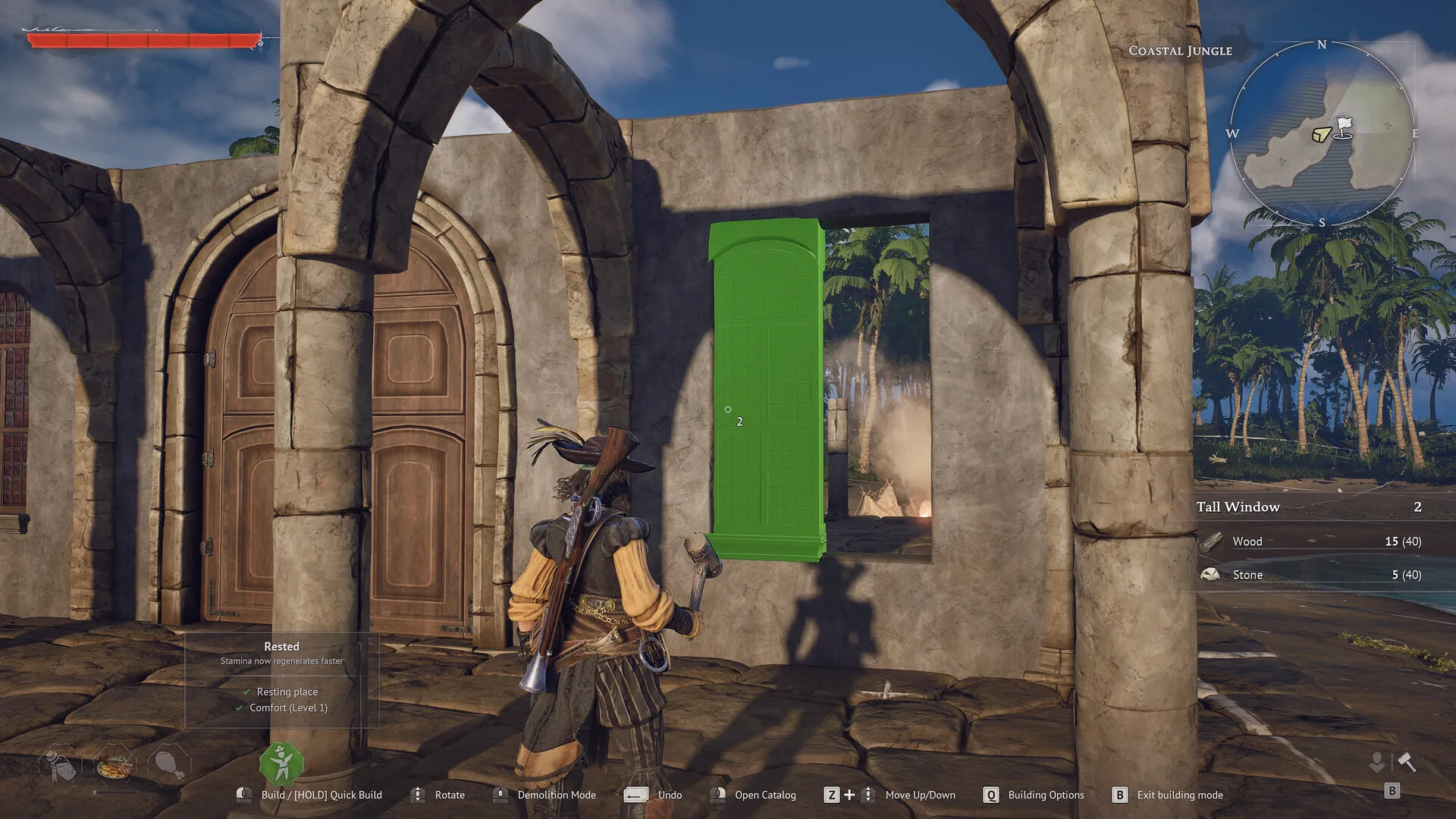
Windrose COMPLETE quality of life MODPACK by Saltytap is the closest thing to what Expanded Horizons used to be: 3x gathering and crafting, resources stacking to 100, bigger storage, faster kilns and furnaces, no stamina cost on gathering tools, and a choice of respawn point after death. The page says the host, every player and the dedicated server need the same edition and version. Two catches: it was tested on 0.10.0.8, a patch behind, and part of it runs on UE4SS (see below), which you can't install yourself on our servers. Ask us before you plan around it.
Getting around
Fast Travel Plus by Vidguy10 raises the fast-travel point limit from 10 to 20, 30 or 50, and bumps the signal fire limit by the same amount. Ignore its one-line summary, which says client-side only. The description further down says the server enforces the limit, so put the same variant on the server and every player. If only the players have it, anything past ten silently fails to build; if only the server has it, the limit works but players see the wrong count. Last updated in April, tested by the author on a dedicated server.
Better Minimap Range widens how much fog of war you clear as you explore. Its page calls it client-side, no server install needed.
BetterLantern comes in three parts, and they're split differently: Brighter is client-only, Longer (more fuel) goes on the server and the clients, and Unlimited (infinite fuel) is an optional server-side file. Extended Bonfire Radius needs to be on the server and every client. More Stamina does what it says, from 2x up to 50x; the author warns the stamina bar looks wrong above 10x, and honestly I'd stay well under that, because stamina is half of what makes the fights feel like anything.
Ships and the world
Black Market Shipyard by AL unlocks all nine vanilla ships plus a couple of hidden ones, with versions that cut building and repair costs to a single rope. It's the most interesting content mod Windrose has, and it's tested only in single-player: the author says plainly that they don't play online and won't support multiplayer, and warns it can corrupt a save. Try it on a copy of your world, not the one your crew has spent forty hours on.
Living World by axbhub retunes the day and night cycle, wind, waves, moon phases and enemy ships, with two presets (Living World, and the longer-nights Moonveil). Last updated in April, so check the comments for the current patch first.
Server tools, and the UE4SS question
Windrose Mod Manager by Vercadi still exists and was updated at the end of May. It runs on your own PC and can manage the client, a local server or a rented one over SFTP or FTP, with backups and a parity check that tells you whether your client and server mods match. That check is the reason to use it. If your server has an SFTP tab on the Connection details card of the Overview tab, those are the details it wants: use SFTP, not FTP, and point it at the game folder, which is where R5 lives. I haven't tested it against one of ours, so tell us if it misbehaves. One warning. It also edits ServerDescription.json and WorldDescription.json, and on our servers that's wasted effort. The control panel writes the server name, password, player slots and connection settings from the Manage tab into ServerDescription.json every time the server starts, and the World settings you set there go into the world itself.
UE4SS for Windrose is the scripting framework that anything more ambitious than a .pak drop needs, and plenty of the newer mods depend on it. Does it work on a dedicated server? Its own page says there are "major issues where dedicated servers crash with UE4SS installed", and points to a settings workaround from the author of Windrose+, a server-side UE4SS project on GitHub that's very actively developed (a new release landed on 18 October). So people do run it on servers, carefully, but with a warning like that on its own page I wouldn't put it on yours. On a LOW.MS server you can't install it yourself: it loads as a .dll beside the game executable, and our servers don't accept .dll or .exe files, in the Files tab or over SFTP. The same goes for every mod that needs it. Windrose+ also wants its own install script, a build step before every launch, administrator rights and a port for its web dashboard, and caffeinemodz's standalone Windrose RCON mod is another DLL that wants a second port. Our Windrose servers have one game port and a read-only Console tab. If you want any of that, open a ticket and ask us before you plan your server around it.
Searching for a Windrose mod menu? The nearest thing is Windrose Mod Settings by Ice Box Studio, which adds a Mods page to the game's own settings screen for UE4SS mods that register with it. It's a UE4SS mod itself, so it's for your own game, not a LOW.MS server. There are cheat menus on Nexus Mods too. I've left them out.
What's gone since the spring
Worth knowing, because older lists (ours included) still send people to these:
- Expanded Horizons (it became the Expanded Horizons Mod Manager) is hidden on Nexus Mods.
- Definitive Engine Tweaks, the anti-stutter
Engine.inimod, is hidden. - CertiFried Windrose Mod Manager is hidden and marked archived.
- First Person Camera is now called Camera Toggle System, and it needs UE4SS, so it's a client-side thing now as far as our servers go.
- Fast Craft's author says they may not keep up with game updates, and it hasn't been touched since April.
Putting mods on your LOW.MS server
On your server, open the Files tab and go to game/R5/Content/Paks/~mods (if ~mods isn't there, open Paks and make it with New folder). Upload the .pak files, plus any .ucas and .utoc files that came with them, then Restart. That's all a .pak mod needs. Put the same files on every player's PC wherever the mod's page says the client needs it. Our Windrose mods installation guide has the full walkthrough and the fixes for the usual "it isn't loading" problems.
Back up first. Every time. Create backup on the Backups tab is one button, and it's your way back if a mod chews up your world (restoring needs the server stopped). Keep copies of your mod files on your PC as well: Reinstall on the Settings tab can wipe the game files, ~mods included.
Ashlands will break some of this
Kraken Express's trailer puts Ashlands, the first big content update, down for this winter, and it's a big one: a new biome, more story, and a rework of how ships and ship customisation work. Pak mods work by overriding the game's own files, so when those files change, they stop working or do odd things until the author catches up. My guess is ship mods get hit hardest. I'd expect most of this list to need an update. When it lands, pull your mods, press Update on the Overview tab, play vanilla for a day or two, and add mods back as their authors confirm they work.
Start with one or two mods that fix something your crew actually complains about, and add from there. No server yet? Our Windrose server hosting page has the options. If something stops your server starting after a mod goes in, open a ticket from the control panel and tell us which files you uploaded.